Changelog

Follow new updates and improvements to Senbee.

Senbee Connect - 1.5.8
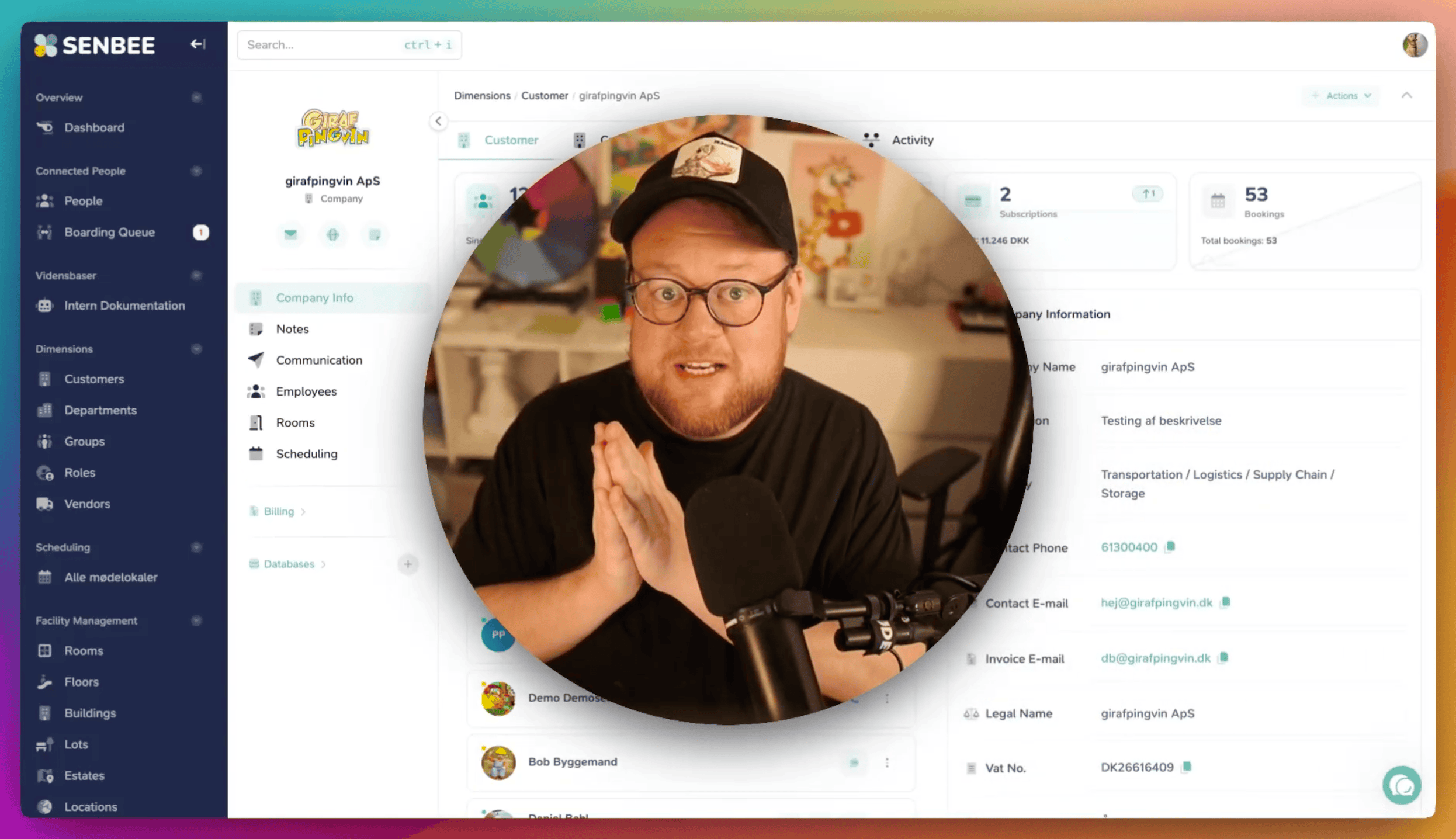
Version 1.5.8 introduces a major upgrade to how you communicate with tenants and their employees in Senbee Connect. This release focuses on making everyday communication faster, more personal, and easier to manage, whether you are sending a one-off message or repeating the same type of message many times a week.

Want a closer look? Watch the Danish video walkthrough of this update:

New email composer

You can now send emails directly from company and person cards. Senbee Connect automatically suggests the relevant company email and connected employees, making it easy to contact the right people.

Personalised tenant communication

Emails can now include merge tags, such as the recipient’s name or company name. This makes it possible to send one message to multiple recipients while keeping each email personal.

Multilingual emails

You can write emails in both Danish and English. Senbee Connect automatically sends the right version based on each recipient’s preferred language.

Auto-saved drafts

Email drafts are now saved automatically, even if you leave the page or continue from another computer.

Templates and quick actions

Frequently used emails can now be saved as templates and added as quick action buttons on company or person cards. This makes common messages, such as package pickup notices or guest arrival messages, much faster to send.

Communication history

Sent emails are available in the communication overview, so your team can see what has been sent and to whom.
Senbee Connect v1.3.0, "Knowledge is power"

Senbee Connect has been drinking strong coffee, learning new languages, and finally writing things down in an organized way. v1.3.0 is a big step toward a smarter and more accessible platform, with Danish language support and a Knowledge Base that is feature-complete and finishing internal testing.

Spotlight, the two big upgrades in v1.3.0

🌍 Danish language support

v1.3.0 adds Danish (DA) alongside English, so teams can use Senbee Connect in the language they actually think in. Switching is instant from the language menu, and the groundwork underneath has been upgraded too, so adding more languages later does not turn into a spaghetti festival.

Why this matters: clearer onboarding, fewer misunderstandings, and a platform that feels native, not translated.

Switch between English and Danish directly from the top bar.

📚 The Knowledge Base is finally available

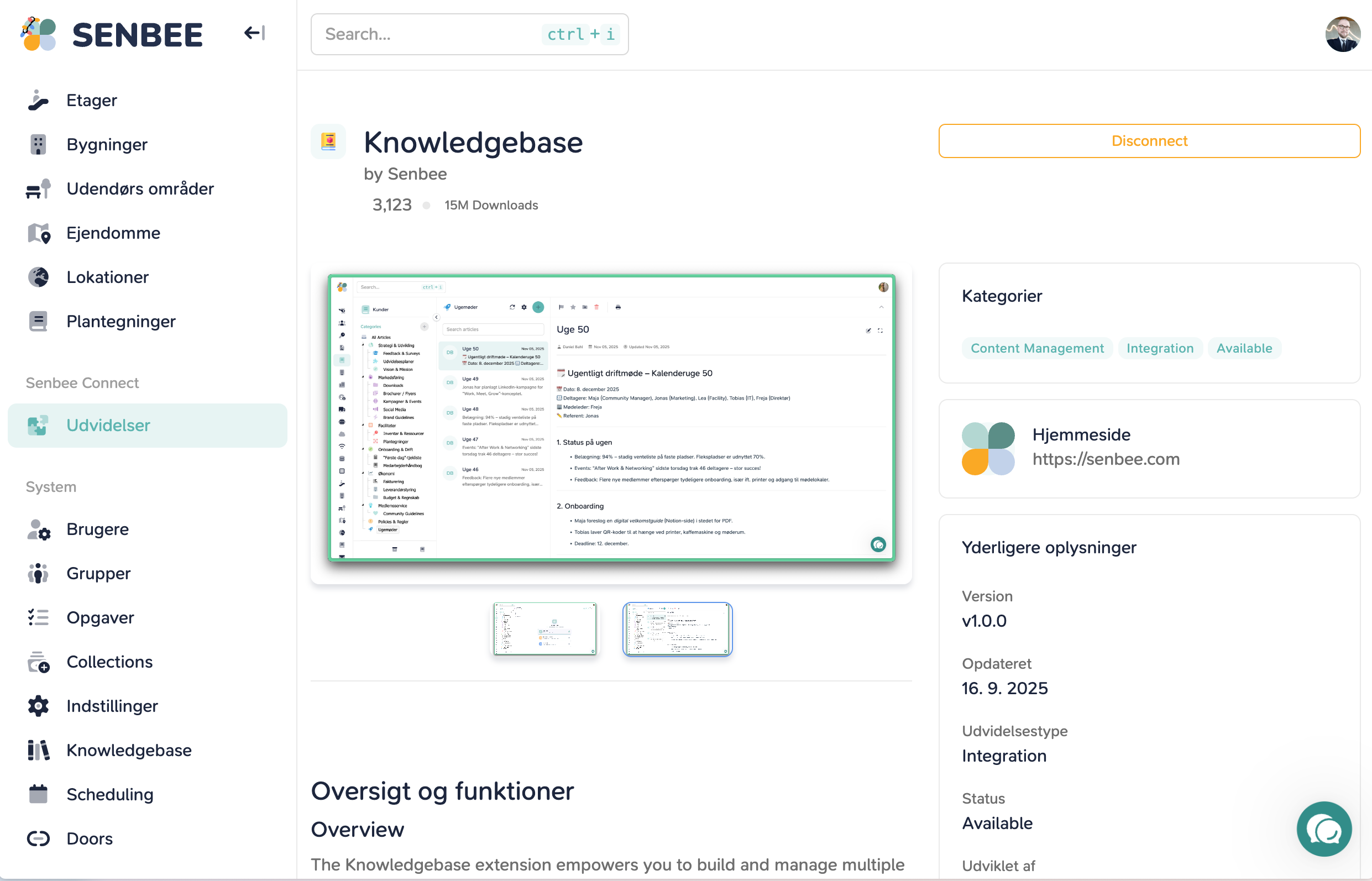
The Knowledge Base is now available (Release Candidate), meaning its feature set is complete and ready for real usage while we finish final validation and roll it out more broadly. It gives you a structured place to store internal knowledge, process docs, onboarding guides, playbooks, and all the stuff companies usually keep in twelve places and then wonder why nobody can find anything.

Articles are organized into collections and categories, easy to browse, and fast to search. The editor experience has been tightened up too, including file linking, better emoji triggering, and iframe-based loading so styling and inline rendering behave more predictably.

What you can do with it now:

  • Build a proper internal handbook (without it turning into a cursed folder structure)

  • Link files directly inside articles

  • Create clearer guidance with screenshots in the extension

  • Control access with improved permissions and ACL handling

Structured collections and articles, built for fast navigation and actual use.
Consistent layout and file flows, so linking knowledge to files feels natural.

Senbee Connect v1.2.0 Changelog

“The Jingle Bell Build”

The elves clocked in, the coffee machine survived, and somehow the codebase is still standing. This release brings a blizzard of improvements for the Knowledge Base BETA and lays the first stones for future expansions like Scheduling and multi-language support.

Grab your mug of gløgg. Here is what changed.

UI and Layout Improvements

  • Seasonal Senbee Christmas logo added for December.

  • Complete rebuild of the Knowledge Base BETA editor layout, now clean, wide, and full-screen.

  • New full-screen article view with improved image rendering and syntax support.

  • Lightbox added to article images so users can click to expand.

  • Article bullet lists now render correctly, restoring sanity to documentation everywhere.

Features and Enhancements

  • Infrastructure prepared for upcoming Danish language support.

  • Knowledge Base BETA upgrades:

    • Copy-to-clipboard button for code snippets.

    • Syntax highlighting via Highlight.js.

    • Persistent floating context menu for smoother editing.

    • New context tree menu added to the sidebar.

    • Support for sub-categories and sub-sub-categories.

    • Category deletion capability added.

    • Article deletion capability added.Search and Navigation

    • Updated to the latest fancyTree JS build for smoother category navigation inside the Knowledge Base BETA.

    • Added drag-and-drop support for categories in the Knowledge Base BETA, making structure management effortless and mildly addictive.

    • Internal components upgraded to support all new Knowledge Base BETA capabilities and the upcoming Scheduling extension.

Bug Fixes and General Enhancements

  • Bullet list rendering fixed in articles.

  • Minor stability and performance improvements across Knowledge Base BETA components.

Earlier updates